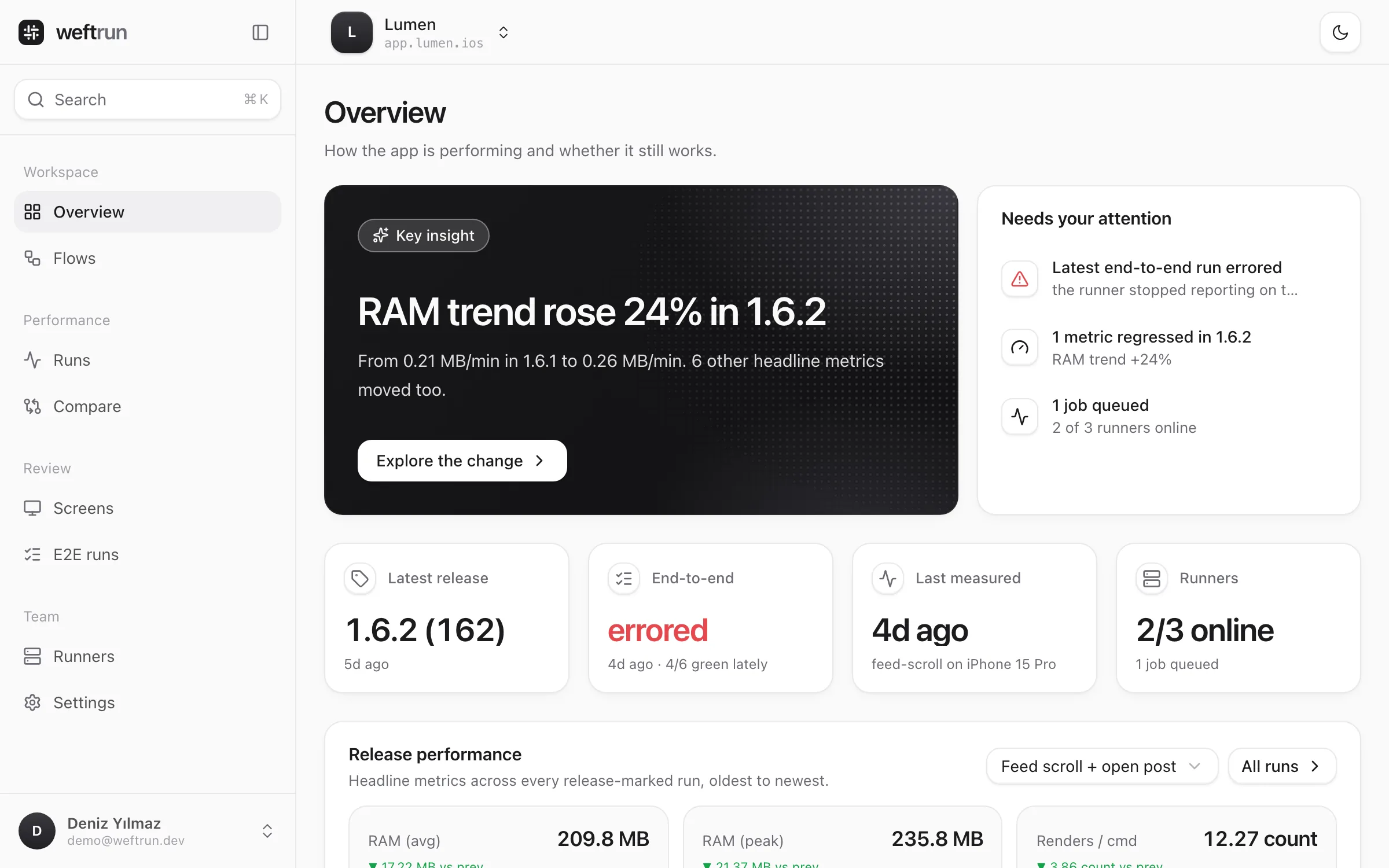
See if a change
is real.
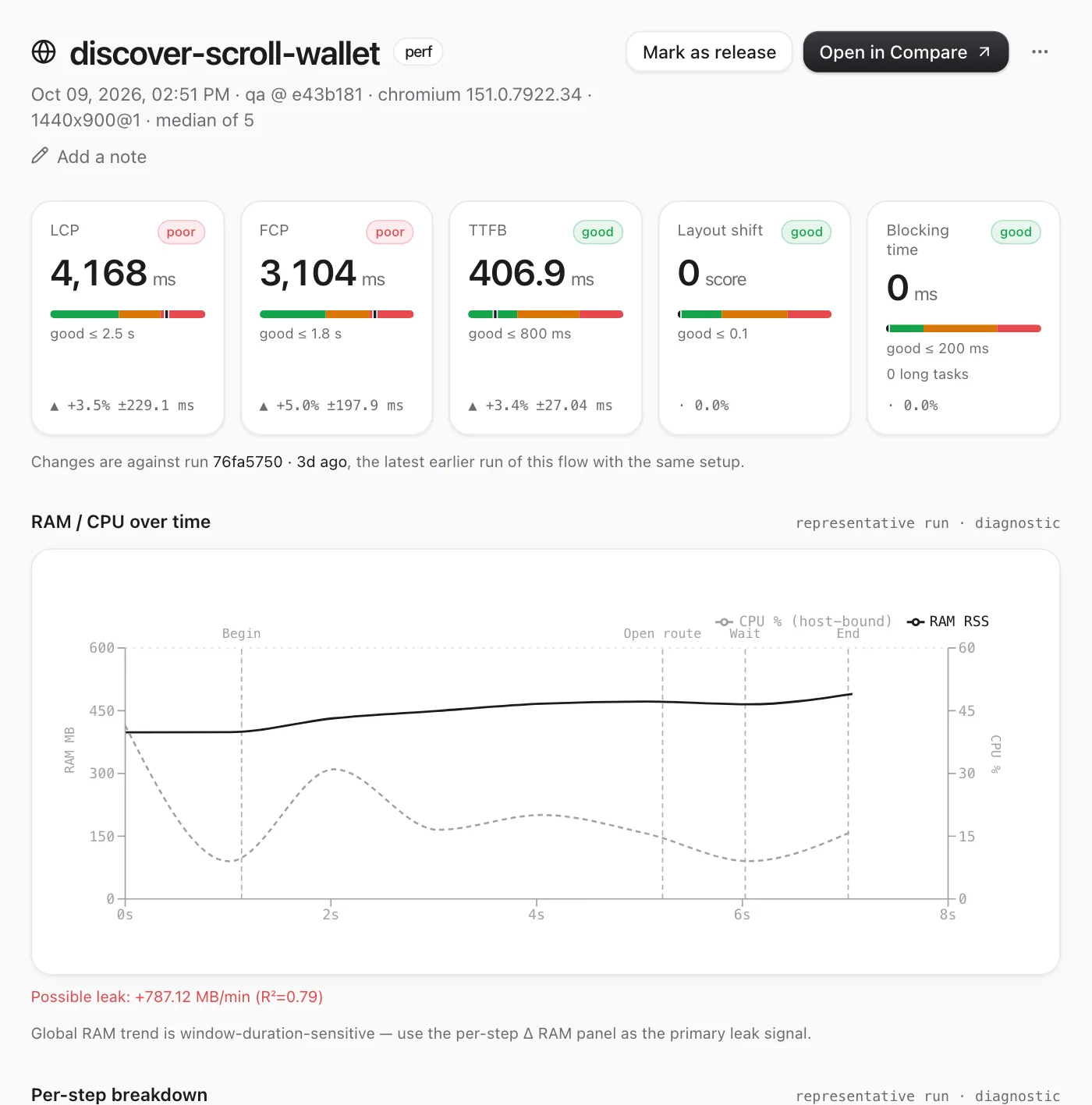
Measure app performance across code versions. Repeat each flow N times from cold start, read the variance, and color a delta only when it clears the metric's own measured noise floor — not a blind percent guard.
Repeatability is measurable.
--repeat 5 runs your flow five times — each an isolated cold start, the app terminated between runs. Build and install once; measure five times. The sample standard deviation across those runs is your noise floor. Not a policy. Not a guess. A measurement.
build once · install once · measure 5×
✓ 5 cold starts · ram.rss median 324 MB · ±12 MB
$
release build · hermes bytecode · auto-reverted
No source changes.
Production-representative.
The harness injects component markers and a runtime hook into your Release binary at build time, via a NODE_OPTIONS preload — no edits to your codebase. You measure Hermes bytecode and production React, not a debug-mode fiction. When the run ends, every injected change is reverted.
Color only when signal beats noise.
A red number is an accusation. Most tools accuse on a flat 5% — crying wolf on a 6% wobble that's pure noise, and staying silent when a leak goes from zero to five megabytes. weftrun colors a delta only when it clears 2σ of measured noise. A change that appeared from nothing gets a ✦ new badge. And if two runs aren't comparable, it refuses to diff them at all.
Drag it: nothing turns red until it earns red.
This is the chokepoint every verdict passes through. Move the candidate's delta. The badge stays neutral until the change clears twice the measured standard deviation — then, and only then, it's a regression.
measurement classes
- verdict
- the pass/fail headline metric (ram.rss, render.count).
- comparable
- cross-version comparable diagnostic.
- sim-only
- host/sim-bound — same-machine trending only (CPU, net latency).
- proxy
- not a real device number (rAF self-loop "FPS").
Find the screen that's leaking.
A global memory slope is duration-fragile. weftrun diffs the memory retained per screen — Δ-of-Δ — so a screen that leaks 3.4 extra MB reads the same whether the window was 30 s or 120 s. Hover a row to see exactly when in the run it happened.
| Screen | baseline Δ | candidate Δ | Δ-of-Δ |
|---|---|---|---|
| Detail | +8.2 | +11.6 | +3.4 MB |
| Feed | +4.1 | +4.8 | +0.7 MB |
| Home | +2.3 | +2.1 | −0.2 MB |
| Onboarding | — | +1.8 | ✦ new |
Other tools measure faster.
weftrun measures honestly. The difference is four rows:
| case | blind % guard | weftrun · measured |
|---|---|---|
| ram.rss 324 → 298 MB | −8% (flagged either way) | ▼ −8% — clears 2σ |
| render.count 1,847 → 1,860 | +0.7% ✓ called clean | · flat — within ±186 |
| leak 0 → 1.8 MB/min | swallowed (0% delta) | ✦ new — surfaced |
| jsEngine hermes → jsc | silently merged | ⚠ refused — not comparable |
- — Variance is measured, not guessed.
- — Partial captures are flagged, not fabricated as zeros.
- — Structural changes (0 → N) surface first-class, not suppressed.
- — Mismatched runs are refused, not merged.
Scope today: React Native + Maestro, iOS simulator. CPU % is sim-only; JS FPS is rAF cadence — both labeled, never sold as device truth.
A measurement you can trust is one that tells you when it can't.